Mobile Apps
Overview
RedFlag offers two mobile applications designed for different roles: the User App for administrative platform users and the Recipient App for recipients to receive push notifications.
User App
The RedFlag User App allows administrative users to log into the RedFlag platform and manage communications from a mobile device. It mirrors the same functionality available on the desktop version.
- Use the same login credentials as the desktop platform.
- Biometric login (e.g., fingerprint or facial recognition) can be enabled for added convenience.
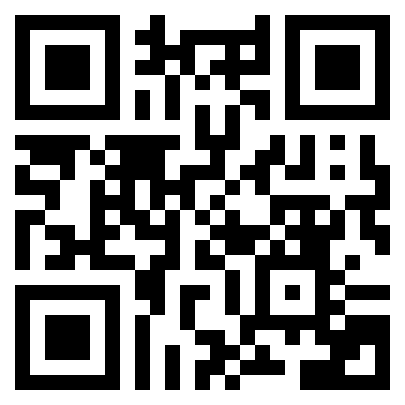
To download the app, scan the QR code below, or search for Pocketstop-RedFlag & M360 in the App Store or Google Play.
🛡️ Note: This app is intended for users who have administrative access to the RedFlag platform.
Recipient App
The RedFlag Recipient App is designed for recipients to access and manage their individual profile and receive mobile push notifications.
Key features include:
- Push notifications as a delivery channel
- Self-registration and profile updates
- Control over delivery channels
- Ability to self-subscribe to eligible static groups
- View previous message history
- Option to grant location permissions, enabling geofencing-based messaging (e.g., for proximity-based alerts related to events or threats)
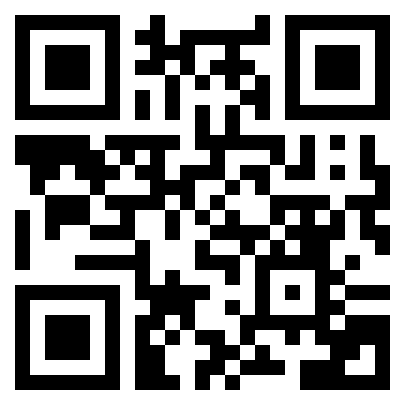
To download the app, scan the QR below, or search for RedFlag Alerts in the App Store or Google Play.
🛡️ Note: Location services must be enabled to receive geofenced messages.